What you'll learn
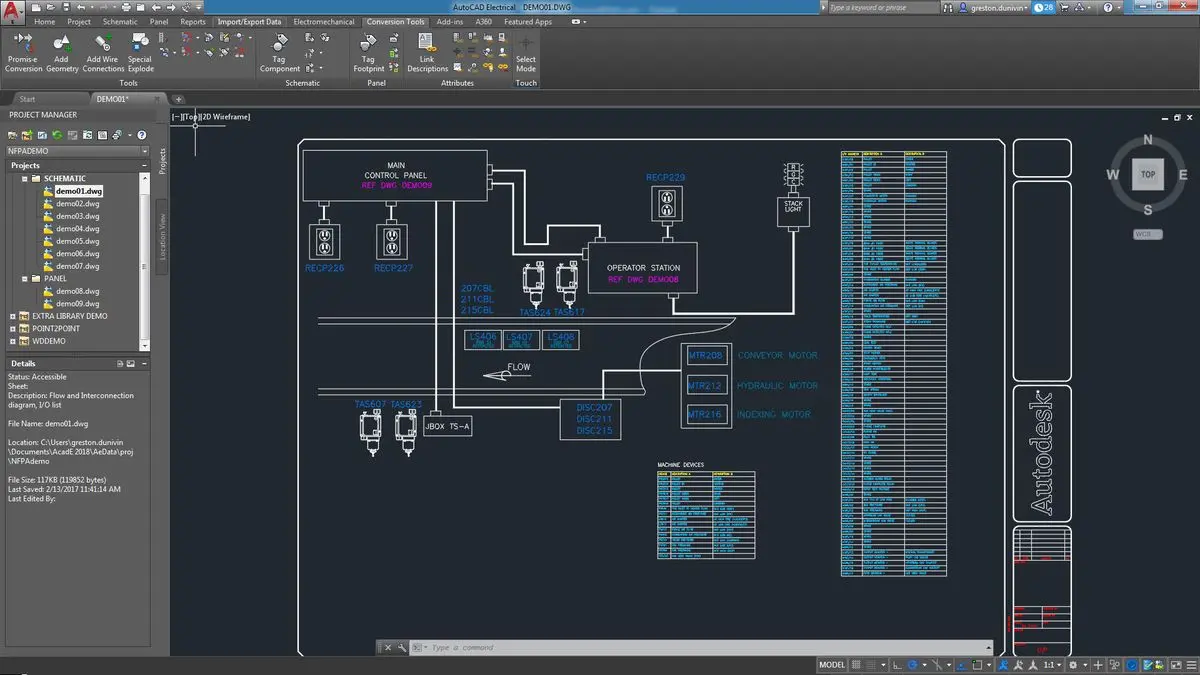
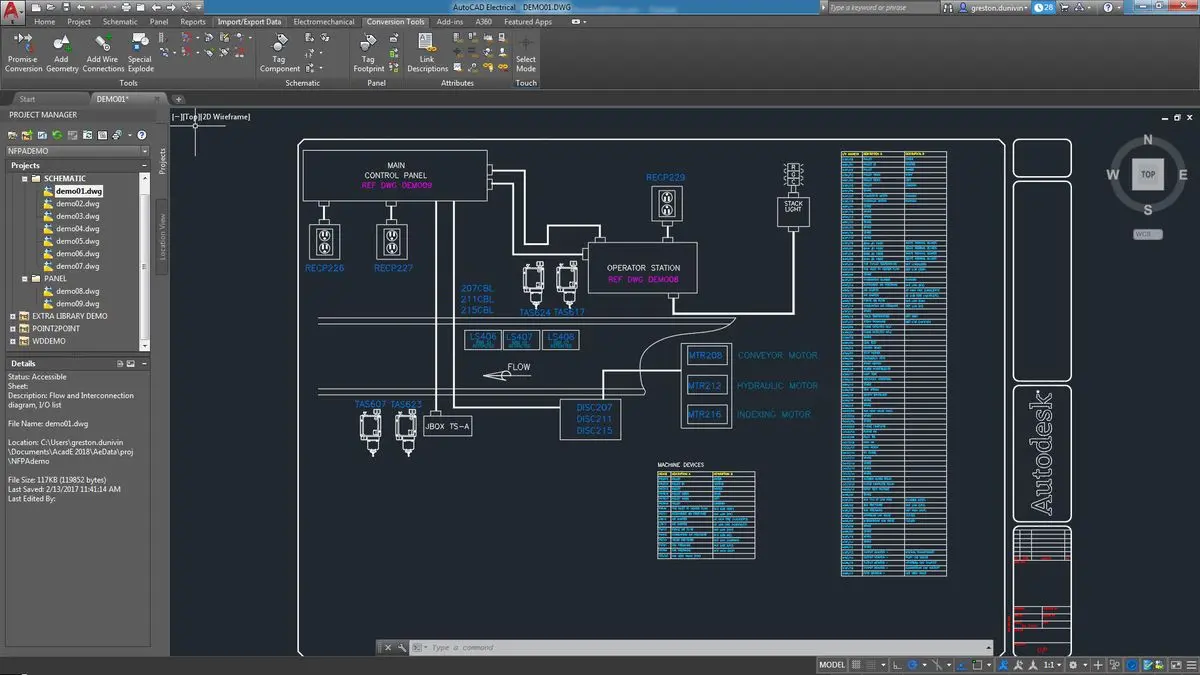
AutoCAD 2D is a practical computer-aided design course designed to teach learners how to create accurate two-dimensional technical drawings using AutoCAD.
The course begins with the software interface, drawing settings and basic commands before progressing to editing tools, coordinate systems, layers, dimensions, text, hatching, blocks and plotting. Learners also practise architectural, civil and mechanical drafting fundamentals through structured exercises and projects.
By the end of the course, students will be able to prepare organized, dimensioned and print-ready 2D drawings for academic, technical and professional use.
What You Will Learn
- AutoCAD interface and workspace navigation
- Drawing setup, units and precision settings
- Basic drawing and modify commands
- Coordinate systems and accurate drafting
- Layer creation and object properties
- Text, annotations and dimensioning
- Hatch patterns and reusable blocks
- Architectural floor plan drafting
- Civil and structural drawing fundamentals
- Mechanical 2D drafting
- Layouts, viewports and plotting
- Exporting drawings to PDF
- Drawing organization and file management
Practical Activities
- Create geometric drawings using basic commands.
- Practise editing objects with Trim, Extend, Offset and Fillet.
- Organize drawings using layers and object properties.
- Add text, dimensions and hatch patterns.
- Create a simple architectural floor plan.
- Draft a basic mechanical component.
- Prepare layouts and print-ready PDF drawings.
- Complete a final 2D drafting project.
Who Can Join?
- School and college students
- ITI and diploma students
- Civil engineering students
- Mechanical engineering students
- Architecture and interior design students
- Engineering graduates
- Drafting and design beginners
- Working professionals seeking CAD skills
Prerequisites
- Basic computer knowledge
- Basic mathematical and geometrical understanding
- No previous AutoCAD experience required
Course Outcomes
After completing the course, learners will be able to:
- Navigate the AutoCAD interface confidently
- Create precise 2D drawings
- Use drawing and modification commands
- Organize drawings using layers and blocks
- Apply dimensions, annotations and hatching
- Prepare basic architectural, civil and mechanical drawings
- Set up layouts and plot drawings
- Export drawings in commonly used formats
- Complete a practical AutoCAD 2D project
Career and Learning Opportunities
- CAD Trainee
- Junior AutoCAD Draftsman
- 2D CAD Designer – Entry Level
- Civil Drafting Assistant
- Mechanical Drafting Assistant
- Architectural Drafting Assistant
- Interior Design Drafting Assistant
- Engineering Drawing Assistant
*Career opportunities depend on practical proficiency

 Bestseller