Best Seller Icon Bestseller

Completion In HTML(S-CH-8306)

  • Last updated Oct, 2026
  • Certified Course
₹5,000

Course Includes

  • Duration1 Month
  • Enrolled0
  • Lectures30
  • Videos0
  • Notes0
  • CertificateYes

What you'll learn

HTML Course Description

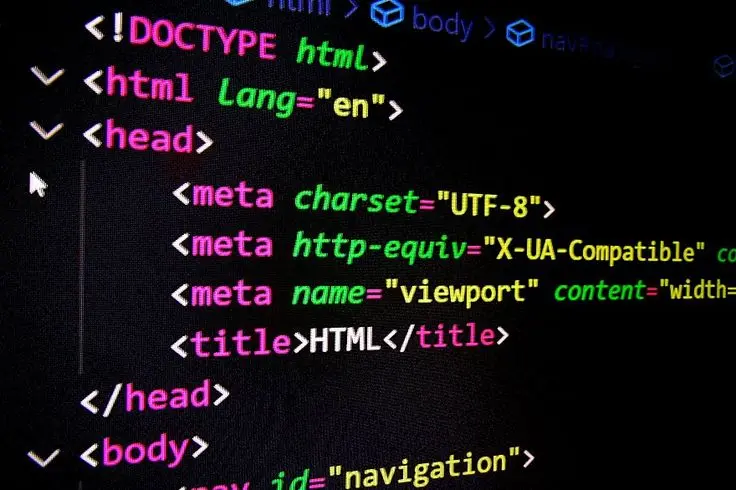
Learn HTML (HyperText Markup Language) from basic to advanced level and build a strong foundation in web development. This course is designed for beginners who want to learn how websites are created and structured.

You will learn how to create web pages using HTML elements, headings, paragraphs, links, images, lists, tables, forms, multimedia, and HTML5 semantic elements. The course also covers website structure and the integration of HTML with CSS and JavaScript.

Through practical exercises and real-world projects, students will learn how to create professional web pages and multi-page websites.

What You Will Learn

  • HTML basics and HTML5 structure
  • Text formatting and headings
  • Links and navigation
  • Images and multimedia
  • Lists and tables
  • Forms and input fields
  • HTML5 semantic elements
  • Audio, video and iframe
  • HTML5 form validation
  • HTML with CSS
  • HTML with JavaScript
  • Multi-page website structure
  • Practical website projects

Who Can Join?

This course is suitable for:

  • Beginners
  • Students
  • Computer learners
  • Aspiring Web Designers
  • Digital Marketing students
  • Anyone interested in learning Web Development

Course Outcome

After completing the course, students will be able to create and structure their own professional web pages and understand the fundamentals required to move forward with CSS, JavaScript, and modern Web Development.

Show More

Course Syllabus

1. Introduction to HTML

  • What is HTML?
  • HTML History & Versions
  • HTML5 Introduction
  • Structure of an HTML Document
  • <html>, <head>, <body>
  • Creating & Saving an HTML File
  • Running HTML in Browser

2. Basic HTML Tags

  • Headings: <h1> to <h6>
  • Paragraph: <p>
  • Line Break: <br>
  • Horizontal Line: <hr>
  • Comments
  • Text Formatting Tags
  • <b>, <strong>
  • <i>, <em>
  • <u>
  • <mark>
  • <small>
  • <del>, <ins>
  • <sub>, <sup>

3. Links & Navigation

  • Anchor Tag <a>
  • Absolute & Relative Links
  • Opening Links in New Tab
  • Email & Telephone Links
  • Internal Page Linking
  • Navigation Menu

4. Images

  • <img> Tag
  • Image Attributes
  • alt, width, height
  • Image Links
  • Adding Images from Different Folders

5. Lists

  • Ordered List <ol>
  • Unordered List <ul>
  • Description List <dl>
  • Nested Lists

6. Tables

  • Creating Tables
  • <table>, <tr>, <th>, <td>
  • rowspan
  • colspan
  • Table Caption
  • Table Structure

7. Forms

  • Introduction to Forms
  • <form> Tag
  • Textbox
  • Password
  • Email
  • Number
  • Radio Button
  • Checkbox
  • Date
  • File Upload
  • Submit & Reset Buttons
  • Dropdown <select>
  • Textarea
  • Labels
  • Form Attributes

8. HTML5 Semantic Elements

  • <header>
  • <nav>
  • <main>
  • <section>
  • <article>
  • <aside>
  • <footer>
  • <figure> & <figcaption>

9. Multimedia

  • Audio
  • Video
  • <audio> Tag
  • <video> Tag
  • YouTube Video Embedding
  • <iframe>

10. HTML5 Advanced Features

  • HTML5 Input Types
  • Form Validation
  • required
  • placeholder
  • pattern
  • min / max
  • autocomplete
  • Data Attributes

11. HTML with CSS

  • Inline CSS
  • Internal CSS
  • External CSS
  • Linking CSS File
  • Basic Page Layout
  • Classes & IDs
  • HTML + CSS Website Structure

12. HTML with JavaScript

  • Linking JavaScript
  • Inline JavaScript
  • Internal JavaScript
  • External JavaScript
  • Button Events
  • Basic Form Interaction

13. Website Structure

  • Creating Multiple Web Pages
  • Home Page
  • About Us
  • Services
  • Gallery
  • Contact Us
  • Navigation Between Pages
  • Folder & File Management

14. Practical Projects

Students can create:

  1. Personal Portfolio Website
  2. College/Institute Website
  3. Restaurant Website
  4. Online Course Website
  5. Travel Website
  6. Product/Business Website
  7. Registration Form
  8. Student Marksheet using HTML Table

🎯 Final Project

Complete Multi-Page Responsive Website

  • Home
  • About
  • Services/Courses
  • Gallery
  • Registration
  • Contact
  • Navigation Menu
  • Images & Videos
  • Forms


Course Fees

Course Fees
:
₹5000/-
Discounted Fees
:
₹ 5000/-
Course Duration
:
1 Month

Review

0.0
Course Rating (0 reviews)
0%
0%
0%
0%
0%


Call
Text Message
Review
Email
CHAT